

Use the remote to select your music
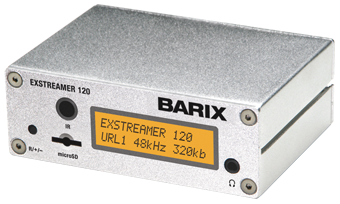
When Works24 Radio is not integrated with a customer’s Lobby Video, it is delivered through the Barix Extreamer 120 audio player. Use the remote control to select a channel. (Be sure you have installed batteries.)
Use the remote control’s number pad to type the channel number, then click the Play button (▶) in the bottom half of the remote.
The channel will be displayed on the radio player’s LCD screen.
You may also control volume using this remote.
Refer to the radio channel guide to select from more than 60 listening options.
You can see (but not control) what channel your different players are set to from the Works24 Radio Dashboard.
In case of power loss…
No worries! The radio player automatically connects to your network and starts playing after power is restored. You don’t need to do anything.