This is the most common — and simplest — installation. The video player connects directly to the screen via HDMI cable.

Product designs change all the time, so the equipment shown may not look exactly like yours.

Important note »

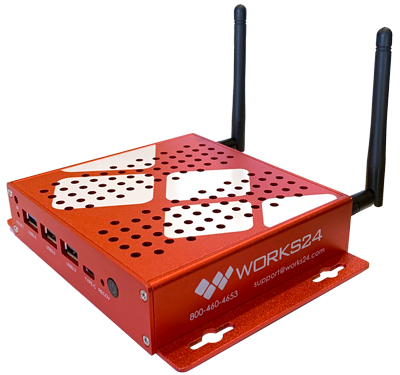
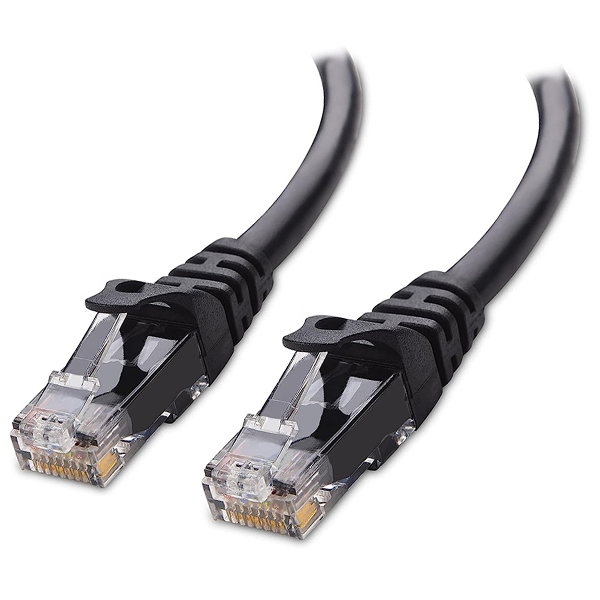
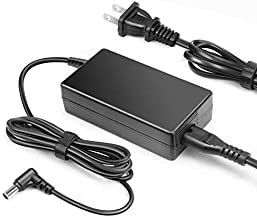
Video player components

Video player
Ethernet cable
HDMI cables
Power cords

Connections

Connection diagram

An important note about wireless connections

We STRONGLY recommend using a wired connection. Although Works24 devices can support wireless (Wi-Fi) connections, we cannot be responsible for the strength or reliability of those connections.

Commercial environments have many sources of potential interference, such as fluorescent lighting, metal framing and studs, metal doors, vaults, etc. You are responsible for ensuring a strong, reliable signal to ensure your player functions properly. Works24 cannot be responsible for the quality of your Wi-Fi signal or network.