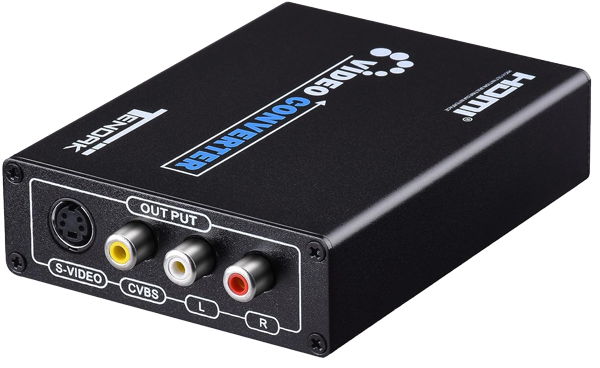
If you have a drive-up system or other video display device that requires a composite (standard) video connection, we will include a device to convert the high-definition signal to a standard video signal. Video is run to the display connection as usual, then the device is used to resize the picture for standard video.

IMPORTANT:  Because the high definition (1280 x 720) video is being resized to standard definition (640 x 480), small text is hard to read.

Important notes »

Video player components

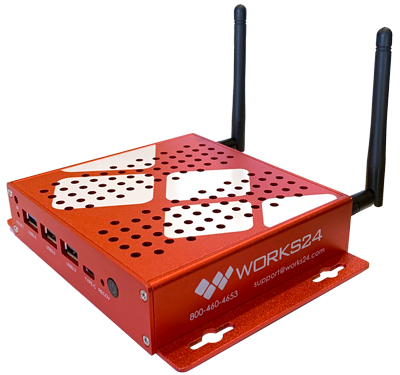
Video player
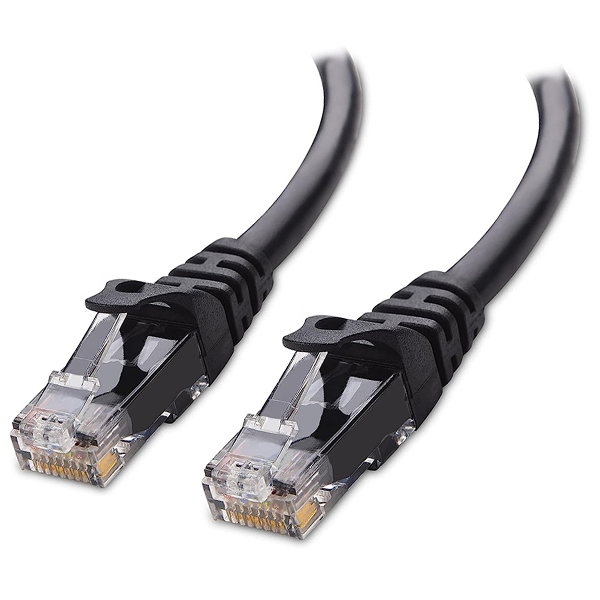
Ethernet cable
HDMI cables
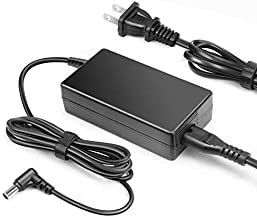
Power cords

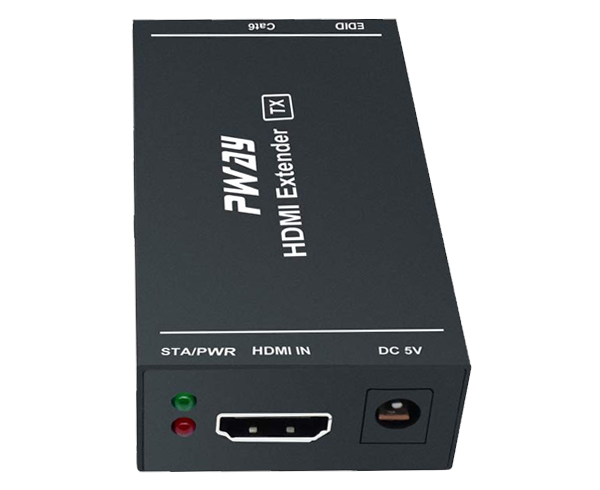
HDMI converter equipment

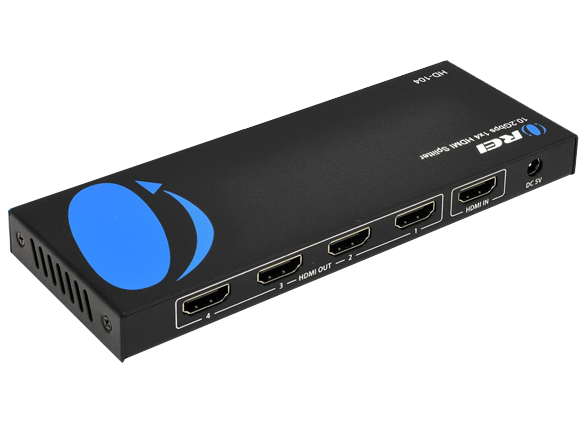
HDMI splitter
Local HDMI extender
Remote HDMI extender
HD-to-SD scaler

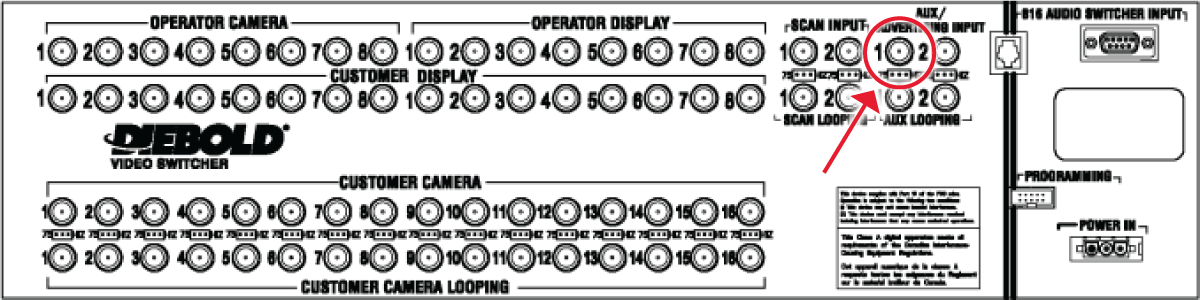
Example drive-up video mixer connections (Diebold)

Diebold 4 teller, 4 lane
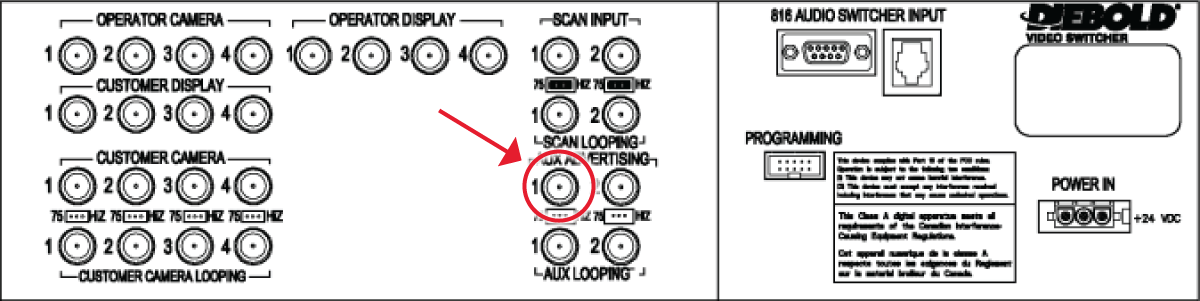
Diebold 4 teller, 8 lane
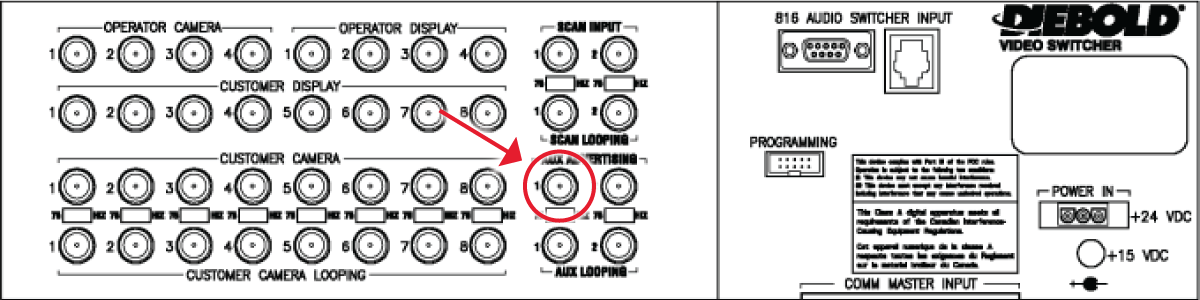
Diebold 8 teller, 16 lane
Connection diagram
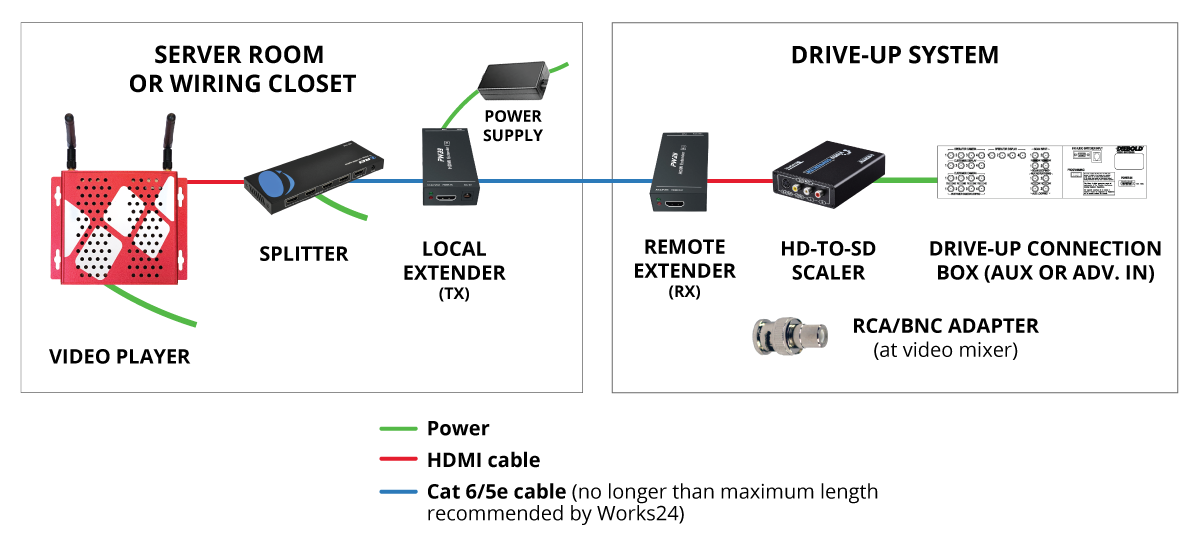
This diagram represents a typical installation scenario. Each installation is unique, however, and yours may be different.

An important note about HDMI extenders

Although the manufacturer says HDMI extenders can work up to 200′ on Cat 5 cable, in our experience those estimates do not apply to a commercial environment like a bank lobby.

Below are the maximum distances we recommend for each cable type:

  • Cat 6 shielded — Up to 100′
  • Cat 6 — Up to 85′
  • Cat 5e — Up to 50′
  • Cat 5 — 30-40′, depending on the quality of the cable.

If we run into recurring video transmission issues and your cabling exceeds these distances, we may require that the cable be re-run or the player be relocated.

An important note about wireless connections

We STRONGLY recommend using a wired connection. Although Works24 devices can support wireless (Wi-Fi) connections, we cannot be responsible for the strength or reliability of those connections.

Commercial environments have many sources of potential interference, such as fluorescent lighting, metal framing and studs, metal doors, vaults, etc. You are responsible for ensuring a strong, reliable signal to ensure your player functions properly. Works24 cannot be responsible for the quality of your Wi-Fi signal or network.