
Manage your Play24 settings
On the My Products page, click the Works24 Radio Players Dashboard button.
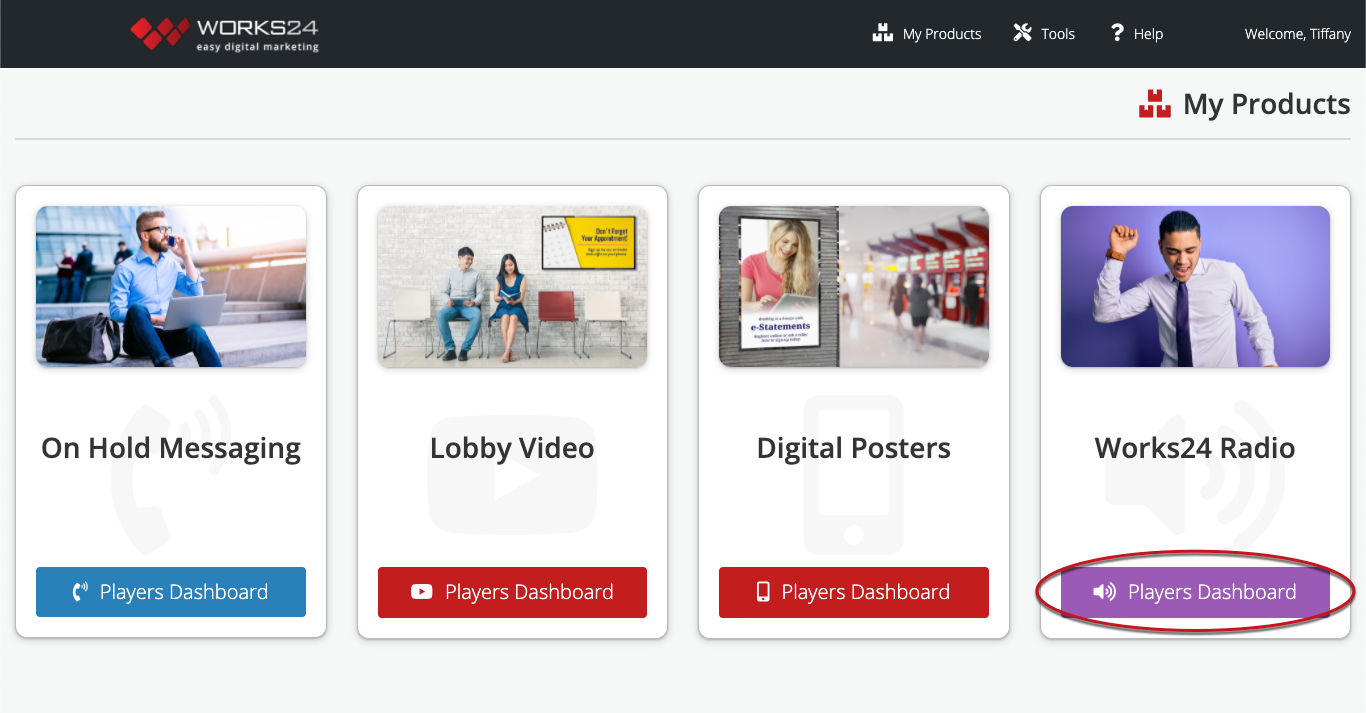
This takes you to the Radio Players Dashboard.

Click the blue gear icon to open the Radio Playback Settings and change the station, volume, and playback days/hours.
